
Build a matrix around user workflows
Compatibility testing goes beyond successful installation. Choose representative environments based on your users’ Android versions, device types and application workflows. Validate real and virtual devices separately instead of assuming results transfer between them.
Prioritize sign-in, permissions, page loading, media and file operations. If a workflow relies on a specific device capability, confirm that capability is available before including the device in the test plan.
Keep the starting conditions consistent
Record the application version, device configuration, Android version and prerequisites. Treat a clean installation, an upgrade and an existing-data session as distinct cases. Use authorized test accounts and data.
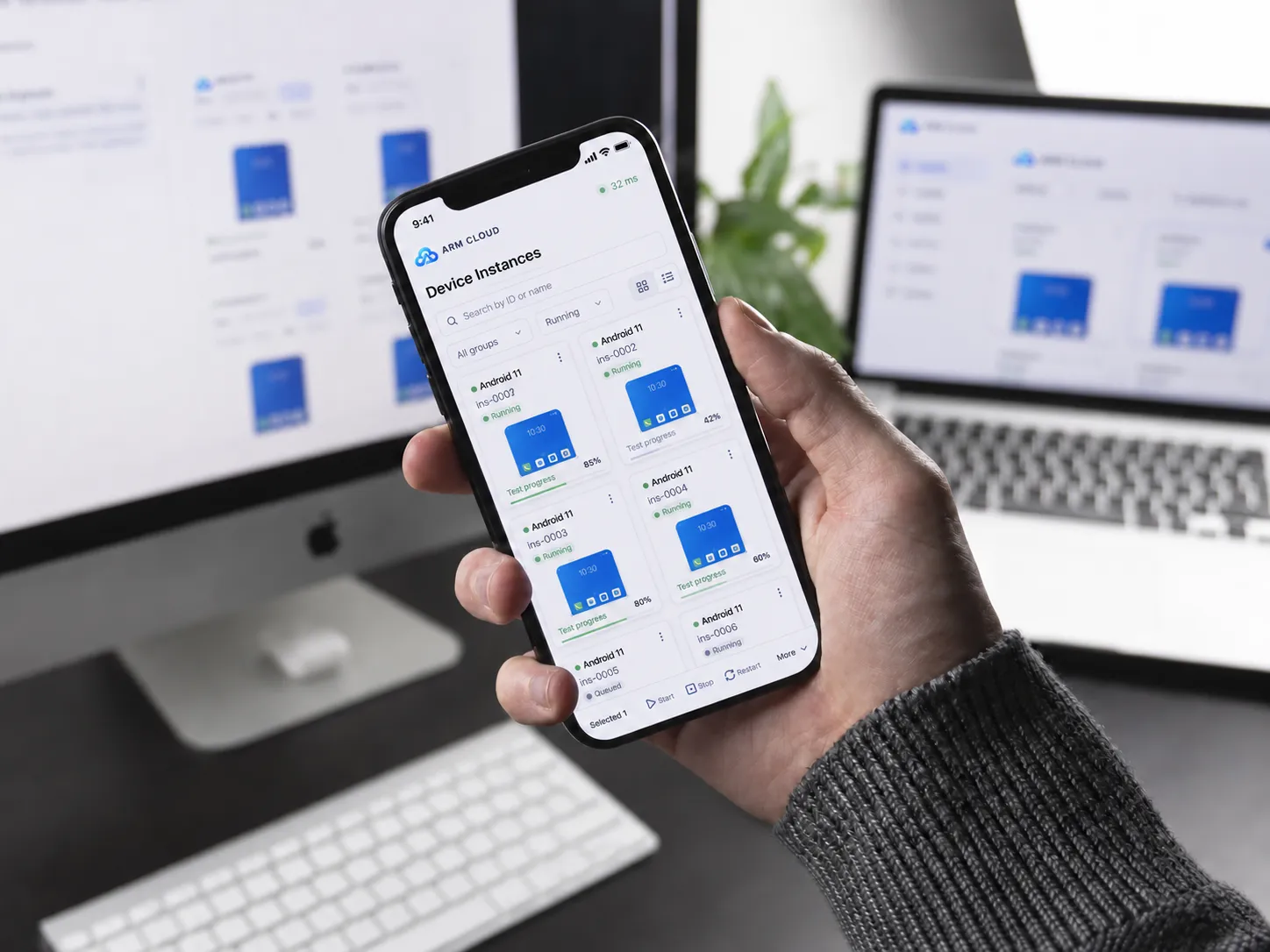
Manage devices and applications through the console. For larger test workflows, assess API and SDK integration after confirming available operations in the current developer documentation.
Make issues reproducible by another teammate
Remote access helps colleagues inspect the same environment, but a useful issue still needs a device description, application version, reproduction steps, expected result and actual result. Attach screenshots or recordings when they clarify the problem.
Record triggers such as extended operation or particular network conditions. One successful attempt does not establish that an intermittent issue is fixed, and an inability to reproduce it is not a resolution.
Close the loop with regression records
Retest a fix in the original environment, then check related workflows. Turn recurring issues into a stable regression checklist and record each release against the same baseline.
- Complete core workflows on target devices.
- Check interruption and re-entry behavior.
- Verify data and permissions after upgrades.
- Include enough environment detail in every issue.